A hotel user can request access to view credit card provided by a travel agency in Travia.
Card details are confidential, so only share access with users who need it.
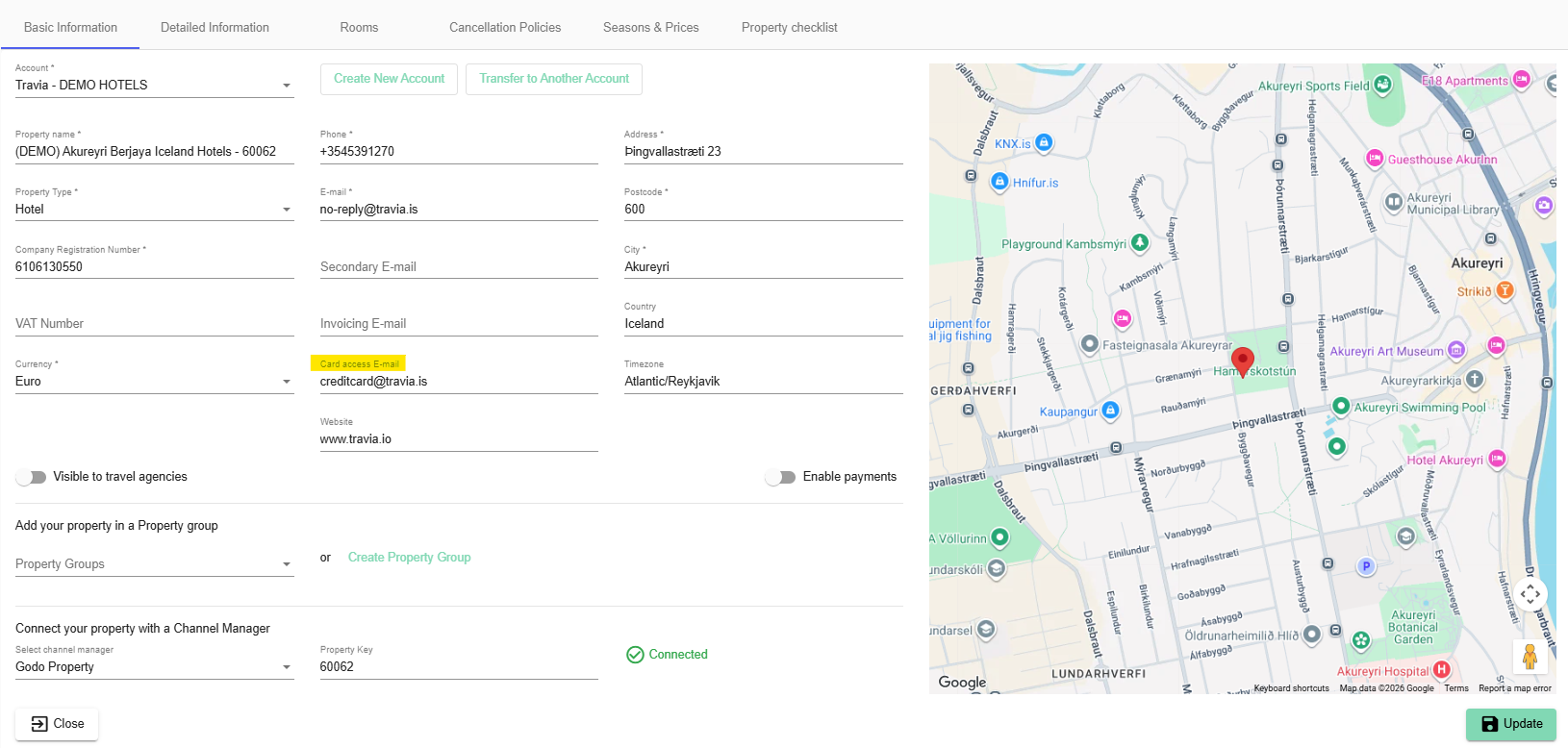
1. Add the relevant email address to the property profile in the Card access E-mail field.
Request access to the card:
1. Go to My property contracts.
2. Find and open the contract with the travel agency.
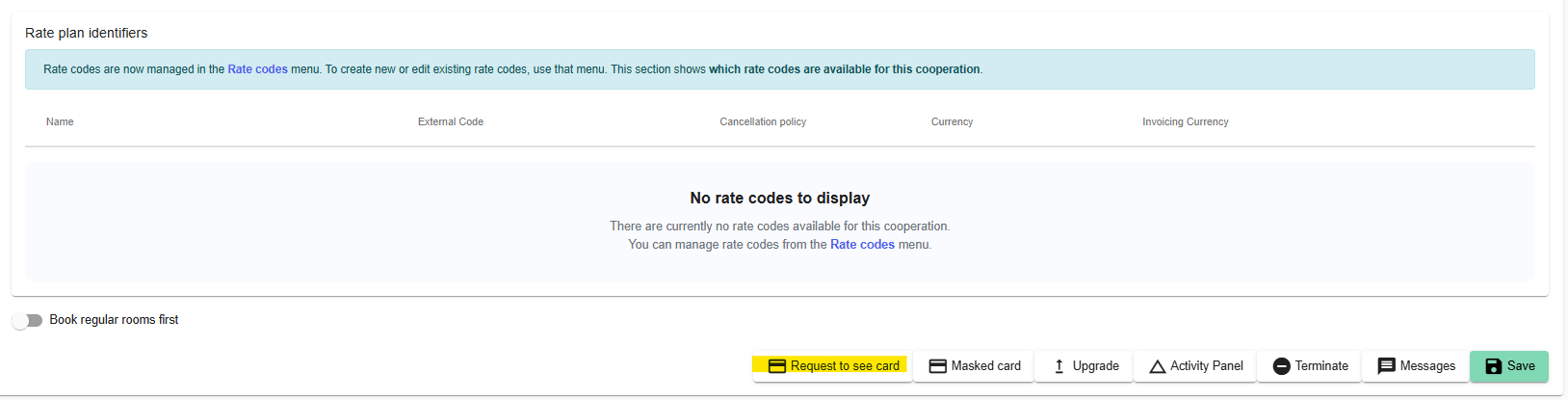
3. Select Request Card at the bottom of the contract page.
On a standard contract, it is at the bottom of the contract page.
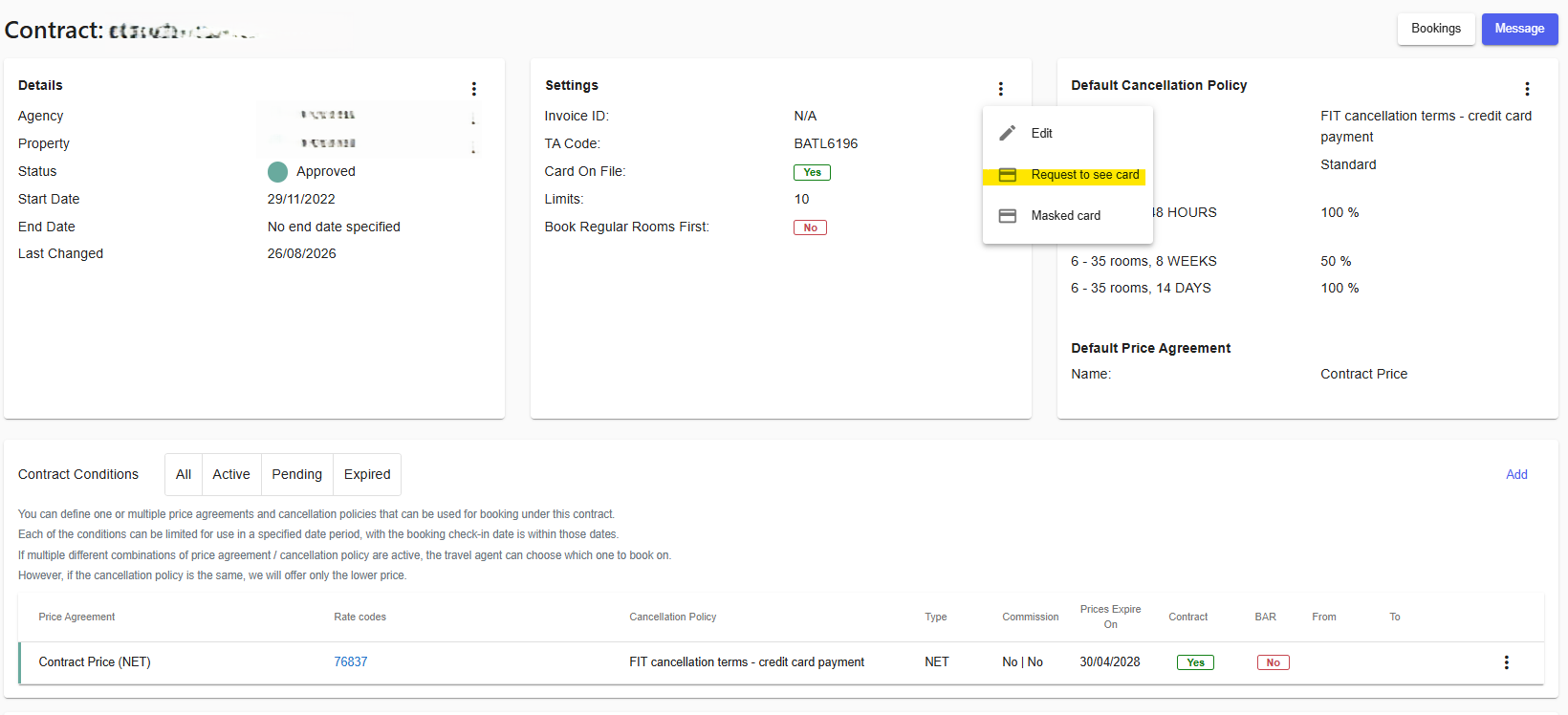
On an upgraded contract, open the Settings box and select Request to see card from the ⋮ menu.
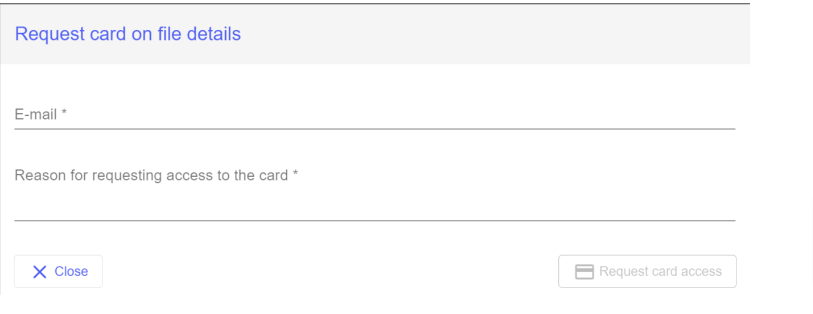
4. In the Request card on file details window, enter your email address and the reason for requesting access.
5. Select Request card access.
The travel agency must have a verified card on file. If the agency has not verified a card, the Request to see card option is unavailable and Travia shows Agency does not have a verified card on file.

When View card appears, select it. Enter the access code sent to your email address. Once the code is accepted, you can view the card details.
Was this article helpful?
That’s Great!
Thank you for your feedback
Sorry! We couldn't be helpful
Thank you for your feedback
Feedback sent
We appreciate your effort and will try to fix the article